 Chrome extension · Manifest V3
Read the web like an open book
Open Book Reader turns any long article into a calm, two-page reading view you flip through with the arrow keys — plus an image-gallery mode for picture-heavy pages.
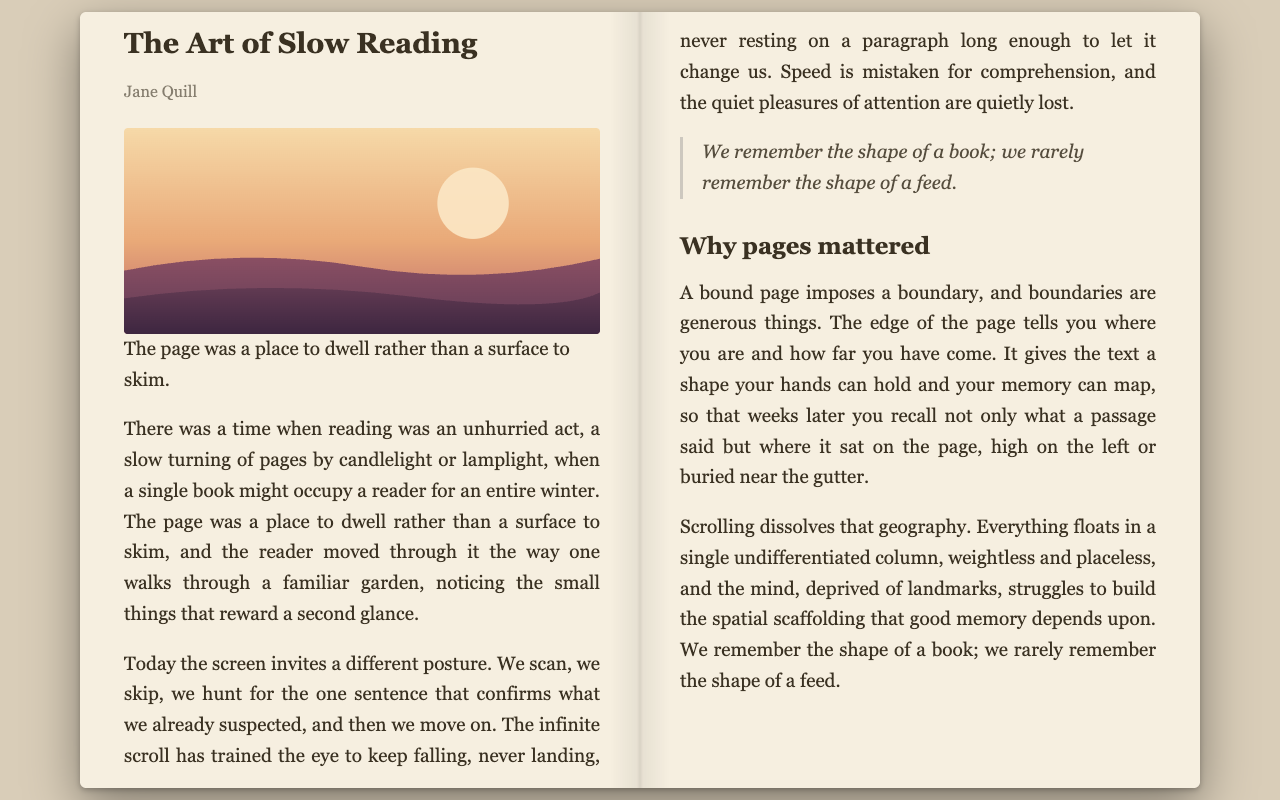
Two ways to read
Invoke it on demand — nothing runs on a page until you ask.
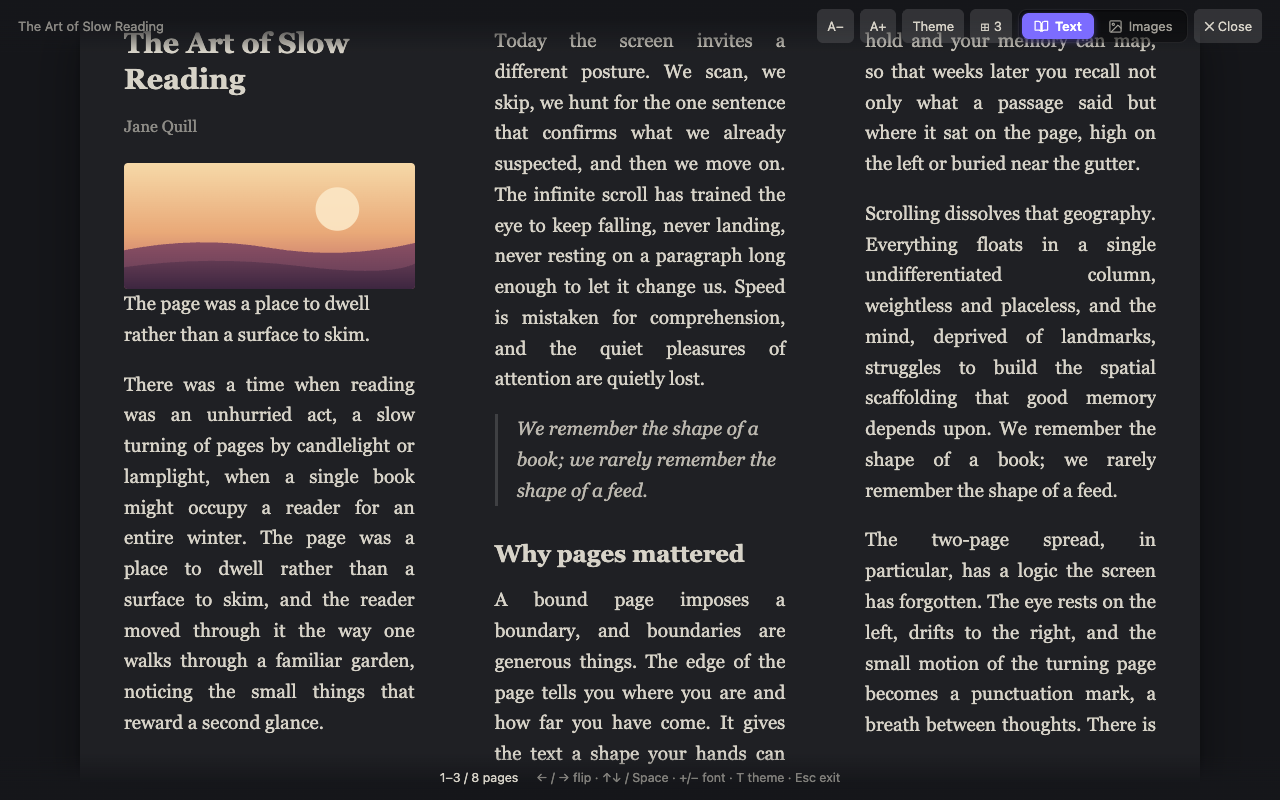
What you get
Small, fast, and built to stay out of the way.
Open-book text view
Readability-clean article text laid out in 2–4 columns per spread. Flip with the arrow keys, click zones, or Home/End — with a realistic page-turn (soft paper curl or 3D book).
Print or save as PDF
Turn the cleaned-up article into a tidy printout or PDF — clean vertical pages, no ads or sidebars — with one click or P. Fully local.
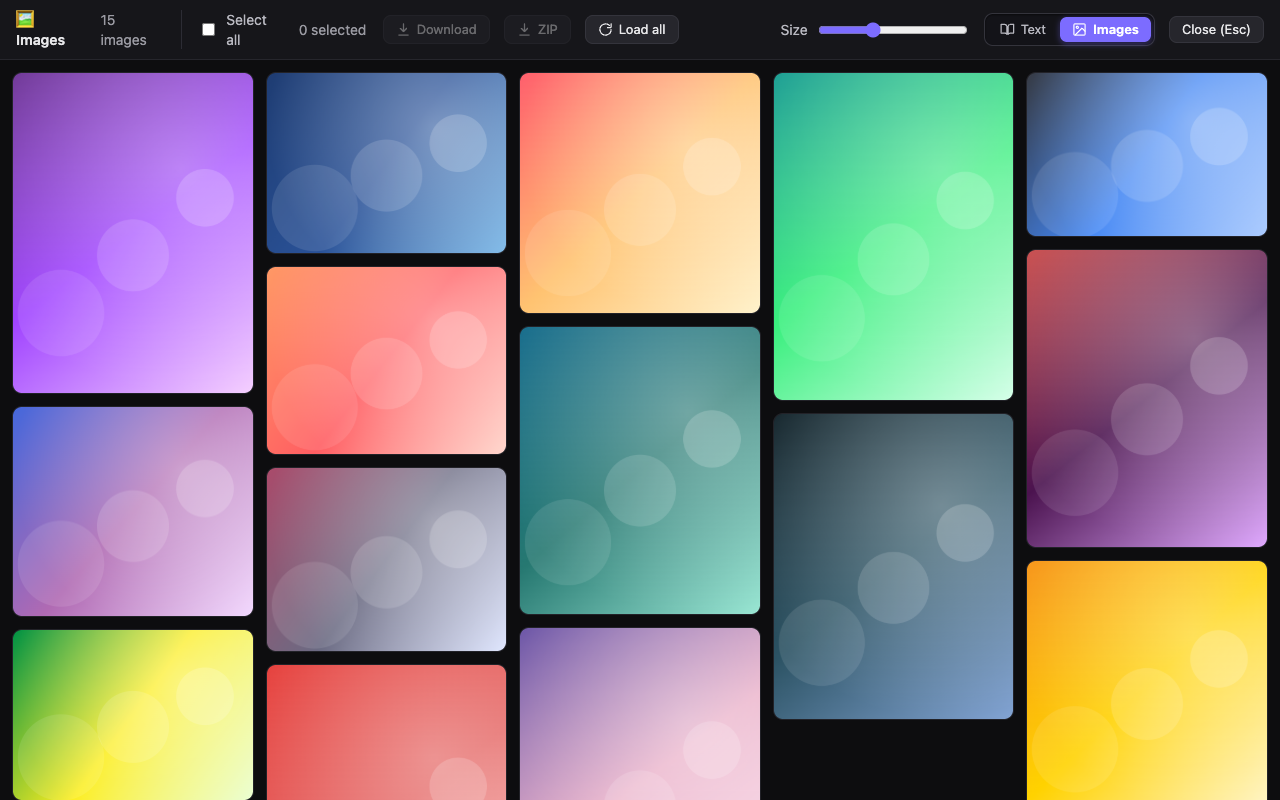
Image-gallery mode
Collect a page's images into a masonry wall — or an Ordered layout that reads webtoons & manga in sequence, one page at a time. Fit-to-width lightbox, per-site hiding of avatars & repeated noise, ZIP downloads.
Paper, light, dark & auto
Three themes plus an auto mode that follows your system light/dark setting — with adjustable font size, column count, and book width. Your preferences sync across devices.
Keyboard-first
Alt+B for the reader, Alt+Shift+B for the gallery. Works even on strict-CSP sites via Shadow DOM.
Private by design
Reading is fully local — nothing is collected or sent anywhere. Download permissions are requested only on first use.
Zero bloat
No build step, no tracking, no dependencies bundled. Just a tidy Manifest V3 extension.
Private by design 🔒
Open Book Reader collects nothing and sends nothing to the developer. Article extraction and gallery layout happen entirely in your browser — and so does the optional per-site auto-open, which runs only on sites you choose. The only network activity is when you explicitly download images — and even then the bytes go only to your device. And you don't have to take our word for it: it's fully open source.